Orders from restaurants: confirm, reschedule, name a time
What you can do with an order, why orders only come from kitchens that have confirmed you, and what the driver sees in the order breakdown.
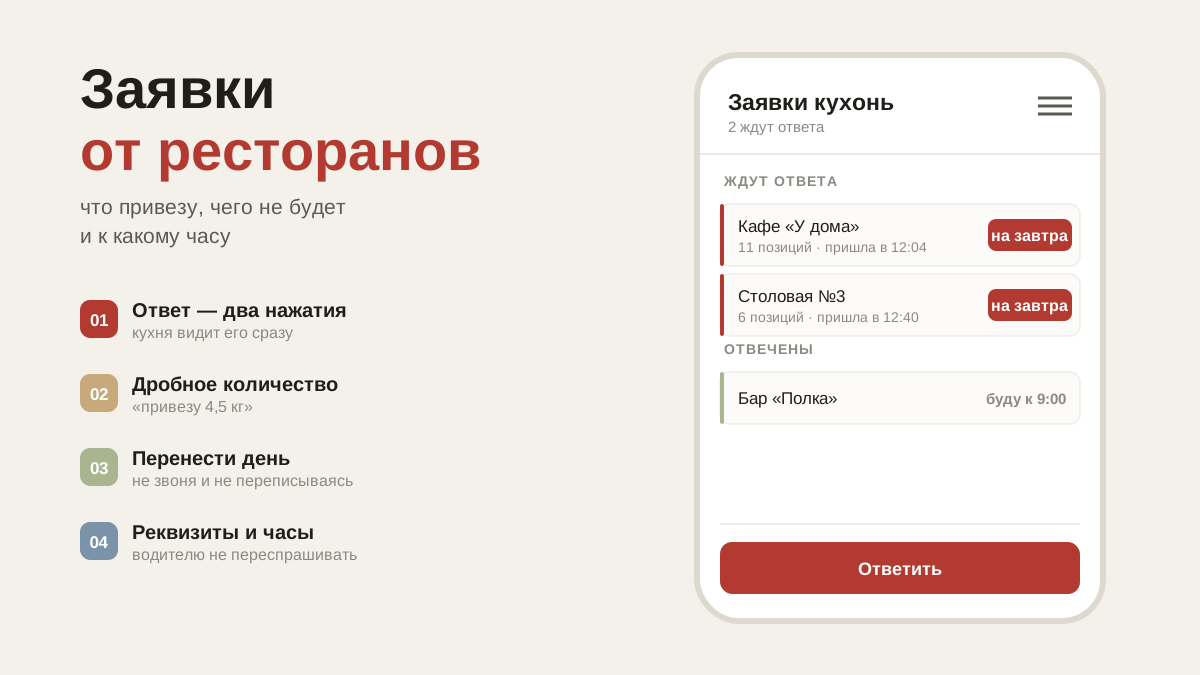
Where orders come from
Orders come from restaurants that have confirmed you as their supplier. Until a restaurant confirms you, its orders are not visible to you.
That is a safeguard, not an obstacle: a tax number is a public number, and without confirmation it could be used to read someone else's purchasing. Ask the restaurant to tap "Yes, this is our supplier" on your card — after that orders will start arriving.
What you can do with an order
- Confirm it — the kitchen immediately sees a green "confirmed" instead of a red "awaiting confirmation".
- Move the delivery day — if you aren't driving out on the day requested.
- Mark what won't be coming — with a cross on the item, or by reducing the quantity.
- Name a delivery window — "expect it between 12:00 and 16:00".
The kitchen sees your reply straight away, and gets a notification about anything short. That is in your interest: the chef has time to rework the menu the evening before and doesn't ring you at seven in the morning with a complaint.
What the order breakdown shows
Everything the driver needs: the legal entity and tax number for paperwork, the address, receiving hours and who meets the van — with a phone number. There can be several people meeting deliveries, with notes like "before 14:00", "entrance from the yard": ring whoever is on shift.
The order thread
You can message the restaurant about any order right here. The messages stay with the order — and a month later you can see what was agreed, rather than "it was somewhere in the chat".
A restaurant has added you
You'll get a notification, and under it in the "Restaurants" section a question will appear: do you work with them, or is this not your restaurant. Your answer is a note to the kitchen that you know each other; orders arrive either way.
If you answer "this isn't my restaurant", the kitchen will see a warning and check whether they added the right supplier.
What's next
For kitchens to find you on their own you need a published price list: how to upload it and keep it in order. On what restaurants ask for, see reminders.