If something isn't working: support and a forgotten password
Where to write, what to attach, and how to reset a password. And why it's worth adding your email to your profile in advance.
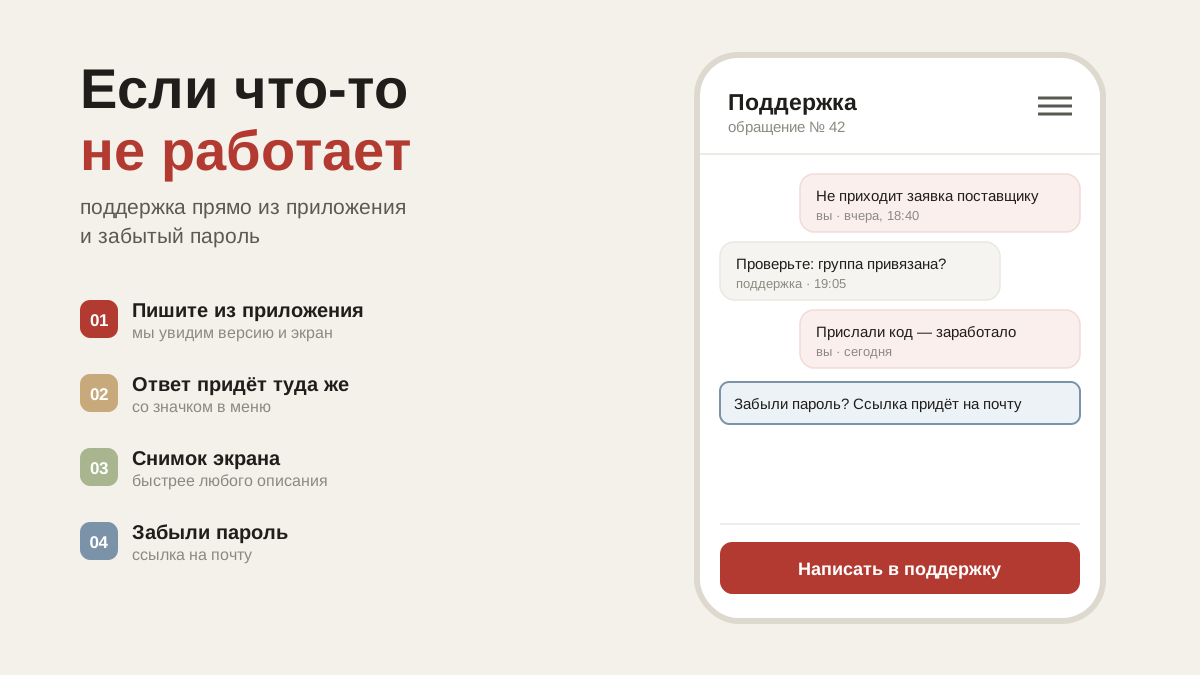
Writing to support
Profile → "Support". Describe what you were doing and what went wrong — the reply comes in the same thread. You can attach a screenshot: the paperclip button next to the input field.
Requests are split into those in progress and those closed. When a question is resolved the request is closed, but you can write again at any time — the thread will reopen.
It helps to say straight away: which restaurant, which section, what was on the screen. That saves one round of correspondence.
Forgotten password
The sign-in screen has a "Forgot your password?" button. Enter your phone number or email — an email with a link will be sent to the address in your profile: open it and set a new password.
The link works for two hours and only once. No email — check your spam folder. If no email address is set in your profile, the request goes to an administrator, who will issue a temporary password.
Hence a simple conclusion: add your email to your profile in advance. Without it, resetting a password turns into an exchange of messages with a person.
Something looks different from before
The app updates itself, almost every week. What changed most recently is written up in the journal, in Updates.
If a section looks broken, first close the app and open it again. That didn't help — write to support and attach a screenshot.
Feedback
Profile → "Feedback". It is a separate button for a reason: support is about "it doesn't work", feedback is about "it would be handy if…". The second is no less important for the app: almost everything in it came out of messages like that.