Installing on a phone, and notifications
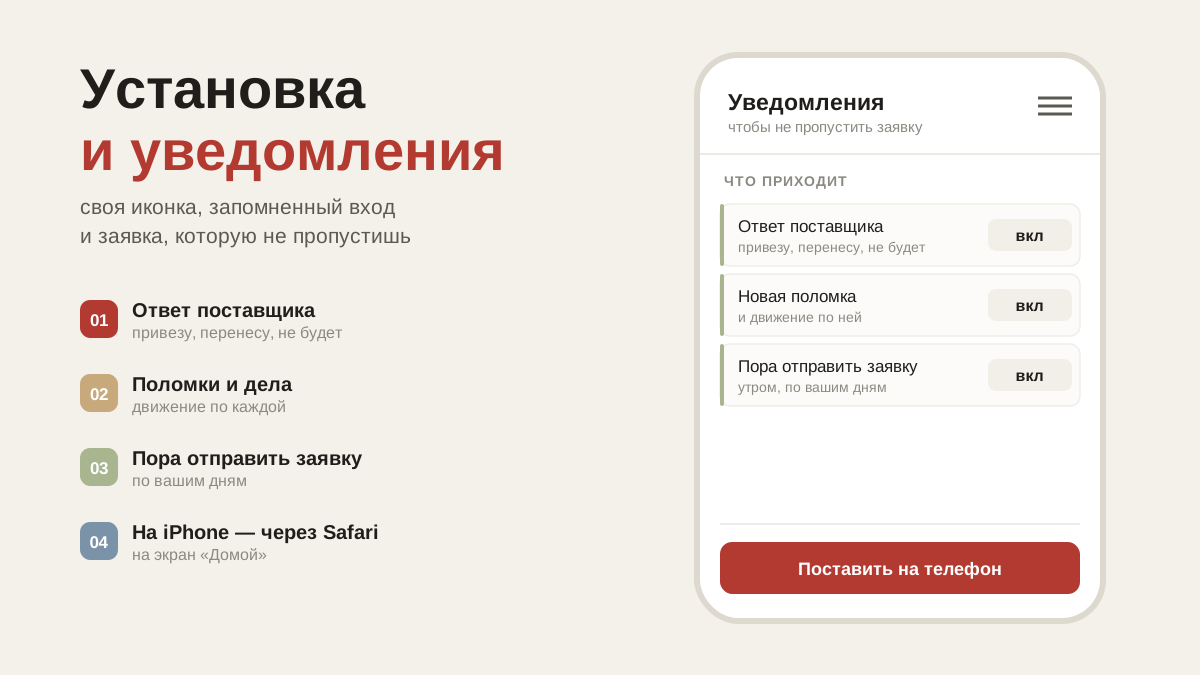
On a phone artelFood installs like an ordinary app: its own icon and a remembered sign-in. On an iPhone that is the only way notifications work.
Why install it on a phone
artelFood works in a browser too, but on a phone it is more convenient to install it as an ordinary app: it gets its own icon, opens without an address bar and remembers your sign-in. And on an iPhone that is the only way notifications work.
Android
Open artelfood.ru in a browser, tap the three dots in the corner and choose "Install app". In some browsers the item is called "Add to home screen".
iPhone
Open artelfood.ru in Safari, tap "Share" at the bottom and choose "Add to Home Screen". Apple doesn't allow an app to be installed from a browser with a single button, so this is the only way.
This isn't nitpicking about instructions: on an iPhone, notifications only reach an app that has been added to the Home Screen. As long as you open the site in Safari, nothing will arrive.
Notifications
Turned on in your profile with the "Enable notifications" button. They arrive even when the app is closed:
- an order has gone out, or the supplier has confirmed the day;
- the supplier has marked that something won't be coming — you have time to rework the menu in the evening;
- a new message in the order thread;
- a debt confirmation, a reply from support.
Notifications go to the whole restaurant team, not only to whoever built the order: the delivery is received by whoever is on shift.
Does it work without the internet
The app shell is cached, so in a freezer with no signal the app will still open and accept input: the order draft is saved on the phone and goes out when the connection comes back. Data from the server — orders, price lists — won't refresh without a connection.
Common questions
I can't see an "Install" item. Then the browser can't do it — try Chrome on Android or Safari on iPhone.
The app is showing an old version. It updates itself; if something looks odd, close it and open it again. The app has no updates through a store — new features appear without you doing anything.
Notifications don't arrive. On iPhone — check that you are opening the icon from the Home Screen and not the site in Safari. On Android — that notification permission hasn't been declined in the phone's settings.